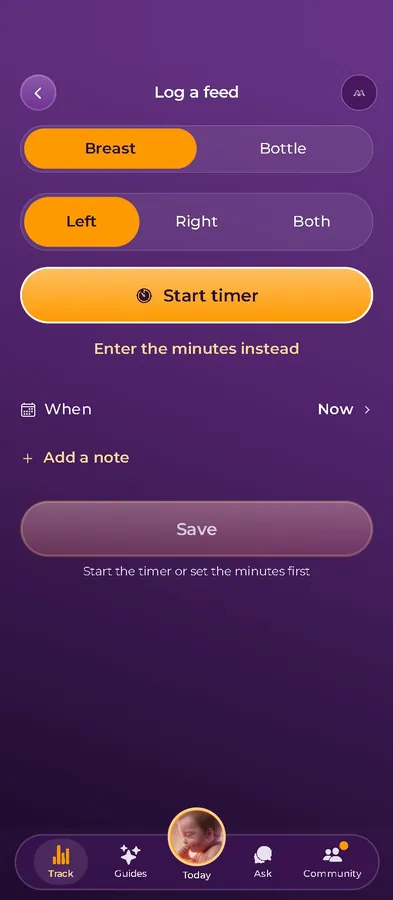
Log a feed in one tap, even half asleep
Breast or bottle, left or right, with a timer that keeps running on your Lock Screen. Next time you open the app, the last feed is right on top.
Feeds, sleep, diapers, pumping and growth in one place.

The app that grows with you
For the newborn weeks
Log a feed with one tap. Momnagi keeps the last feed, nap and diaper on top, for you and for whoever takes the next shift.
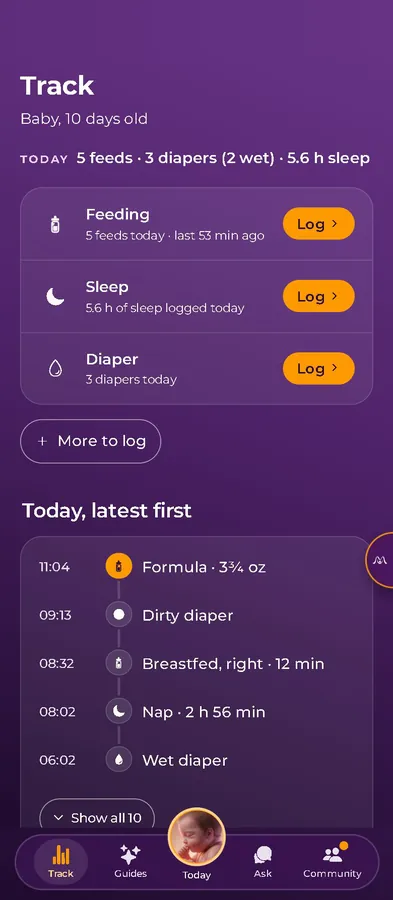
Last feed · 53 min ago
The night shift
"Was that the left side or the right?"
By the third feed of the night, they all blur into one.
"Did he nap at Grandma's?"
The handoff notes live on the fridge, in a text thread and in your partner's head.
"I'll never keep up with logging."
At 3 a.m. you have one free hand and about four seconds of patience.
"Is this normal?"
A new rash, a strange cry, a quiet day of diapers, and the office is closed until morning.
What it does
Breast or bottle, left or right, with a timer that keeps running on your Lock Screen. Next time you open the app, the last feed is right on top.
Feeds, sleep, diapers, pumping and growth in one place.
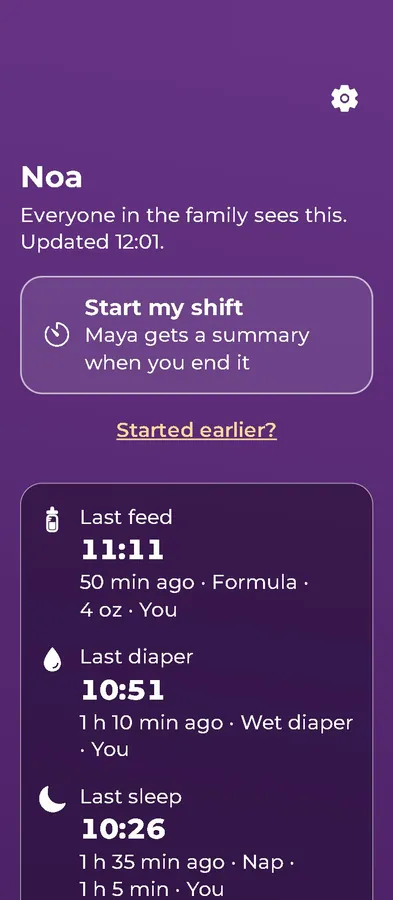
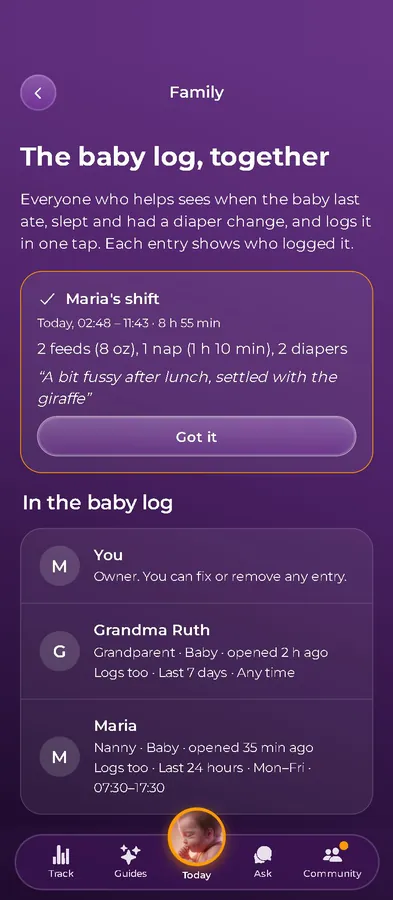
Everyone you invite logs in one tap, and each entry shows who made it, so the handoff happens in the app.
Each person sees only what you allow, during the hours you set.
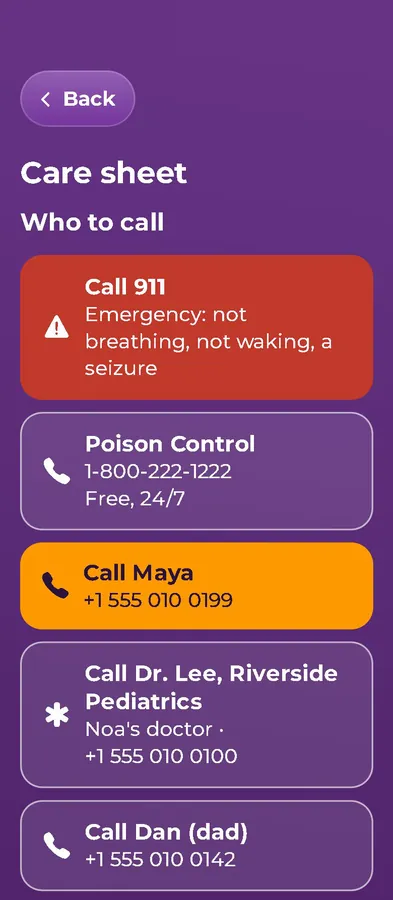
The care sheet lists who to call first, starting with 911 and Poison Control, then you, the pediatrician and the family.
You choose, person by person, whether your address shows.
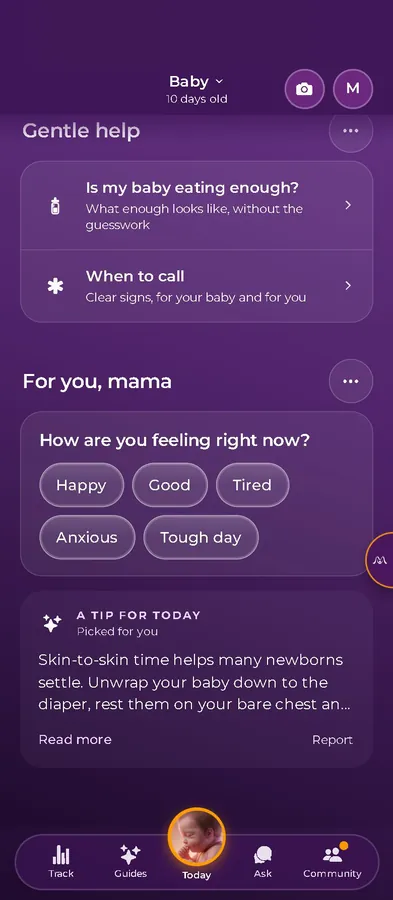
Short guides for the questions that come with a newborn, like whether he's eating enough and when to call. Nagi answers the rest, with sources.
Nagi is an AI assistant, not a doctor. In an emergency, call 911.
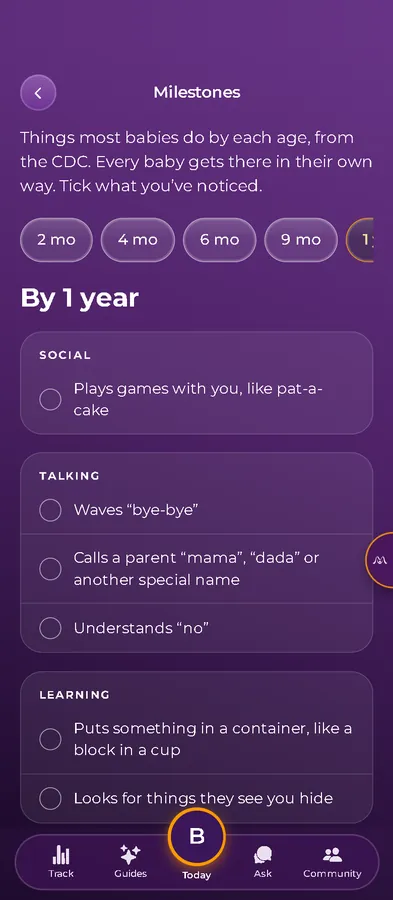
The CDC milestone lists, from 2 months on. Tick what you've noticed and bring it to the next checkup.
Plus growth logs and a guide to first foods when he's ready.
Family
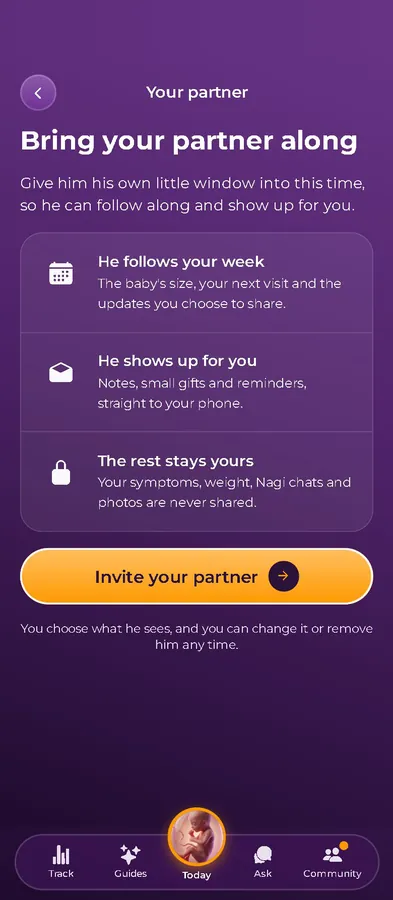
Your partner gets his own view. The grandparents and the nanny join the baby log, each with the hours and details you choose, so nobody has to text you for the last feed.
Your own health logs, visit notes and Nagi chats are never shared.
The whole journey
You probably had one app in pregnancy and another one now. Momnagi covers both and keeps going into the toddler years, so you only set it up once.
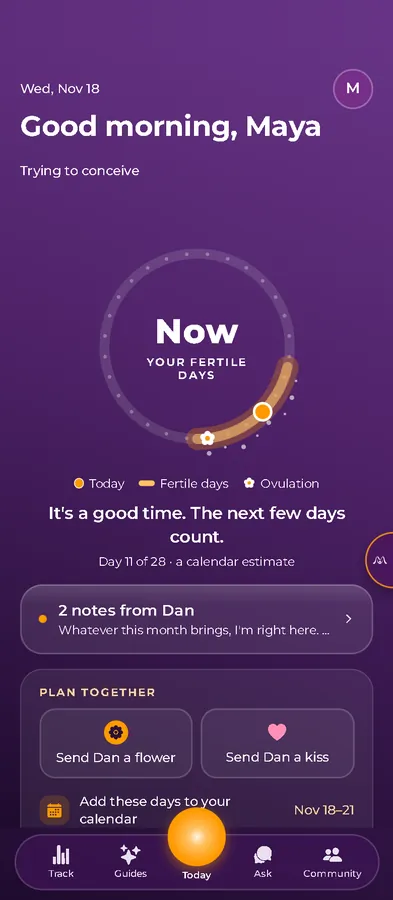
01Trying
Cycle and fertile-window estimates, with your partner in the loop if you want him there.
An estimate to help you notice your cycle. It isn't birth control.
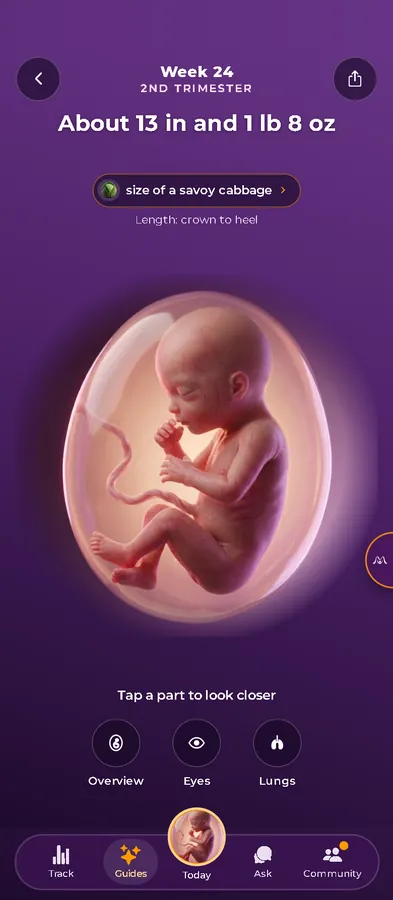
02Pregnant
How big the baby is, what's developing and what usually comes up for you, sourced from ACOG, CDC, NHS and AAP.
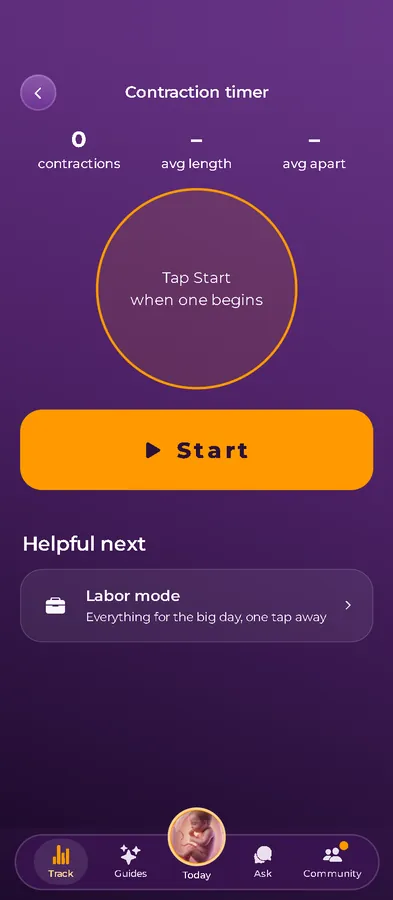
03Labor
A contraction timer, plus a labor mode with everything you need one tap away.
04Newborn
One or two taps per log, and the latest of each always on top.
05Baby and toddler
Growth logs, the CDC milestone lists and a guide to first foods.
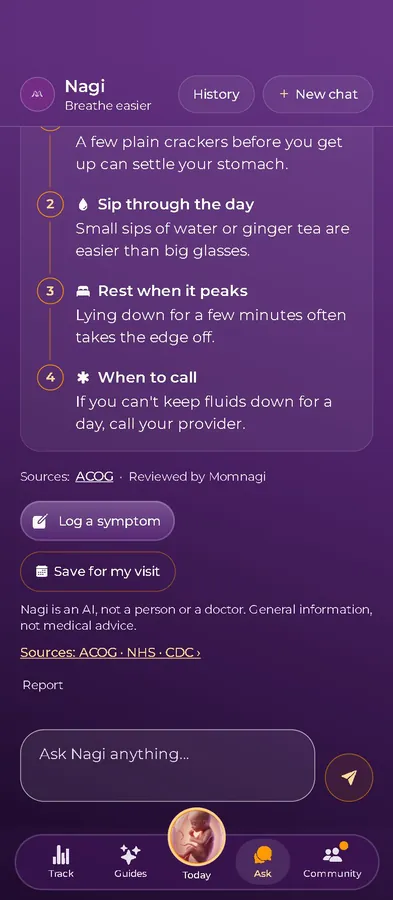
Nagi
Nagi is built on Claude, by Anthropic. Every answer says it comes from an AI, not a person or a doctor, and points you to trusted sources like ACOG and the NHS. It won't diagnose, and it won't tell you how much of a medicine to take.
For a friend
Momnagi has a scratch card for telling a partner, a grandma or a big sister. She hands over her phone, they scratch, and she films the moment. Nothing is sent or saved.
A sample card. In the app, your name and due month fill in by themselves.
Hey,
Maya has something for you
We're having a baby!
Arriving July 2027
Scratch with your finger ✦
Privacy
We don't sell your data or use it for advertising.
No outside analytics or ad SDKs in the app. This page has no ad pixels and sets no cookies.
Hosted in Frankfurt, Germany, and encrypted in transit and at rest.
Your logs and chats aren't used to train AI models.
Export everything, or delete your account, from Settings.
On your iPhone
Momnagi comes from the App Store and runs as a real iPhone app, so it can use your Lock Screen, Face ID and haptics.
Feeding and contraction timers keep counting on the Lock Screen, and in the Dynamic Island on iPhones that have one. No need to keep the app open.
Our tips and nudges never arrive between 9 p.m. and 8 a.m., and never more than one a day. Nothing promotional at all in the first two weeks after birth. Reminders you set yourself, like a night feed, still come.
Turn on the app lock and Momnagi opens only with Face ID or your passcode.
Soft haptics when you save a log, start a timer or scratch a card.
Add a visit to your calendar in one tap, with your questions in the notes.
What you get
No trial and no card. A paid plan with extras may come later, and we'll tell you exactly what's in it before it does.
Questions
Yes. It's free to download and use, and there are no ads. We may add an optional paid plan with extras later. If we do, we'll say clearly what's in it.
Momnagi is with Apple for review right now. Leave your email and we'll write the day it's on the App Store. At launch it's for iPhone, in the US.
Yes. They join from your invite with their own login and see only what you allow, during the hours you set. Your address shows only if you turn it on for that person.
Only what you turn on. Your week is always there; your visits, the baby's logs and your check-ins each have their own switch. He never sees your symptoms, weight, Nagi chats or photo diary, and you can end the link at any time.
We never sell your data and there are no ads. The app has no third-party analytics or ad SDKs, your data is hosted in the EU (Frankfurt), and you can export it or delete your account from Settings.
No. Momnagi and Nagi give general information with sources, and they don't diagnose. Check with your provider about your own care. In an emergency, call 911.
It's on the way, but it isn't on Google Play yet. Choose Android in the form and we'll email you when it is.
Sí. The app works in English and Spanish. It follows your phone's language, and you can switch in Settings.
Momnagi LLC, the small company behind Momnagi maternity and baby products on momnagi.com and Amazon.
One email when it launches, and an occasional tip after that. Unsubscribe anytime.
P.S. Skimmed to the end? Momnagi is a free iPhone app that logs feeds, sleep and diapers in a tap and lets the whole family see the last feed. No ads, and nothing sold. Leave your email above and we'll tell you the day it's live.